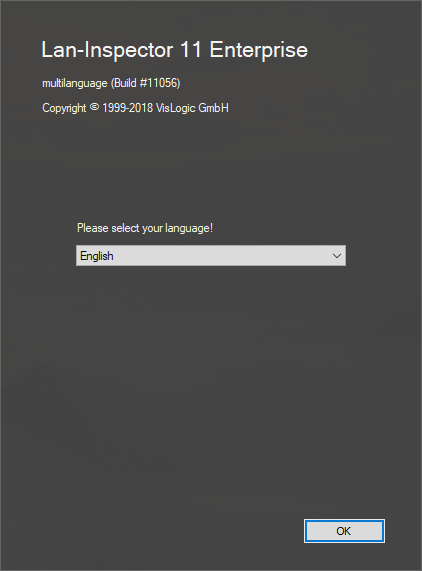
Both of these editions have a very simple installer. You
1. choose your language and press “OK”
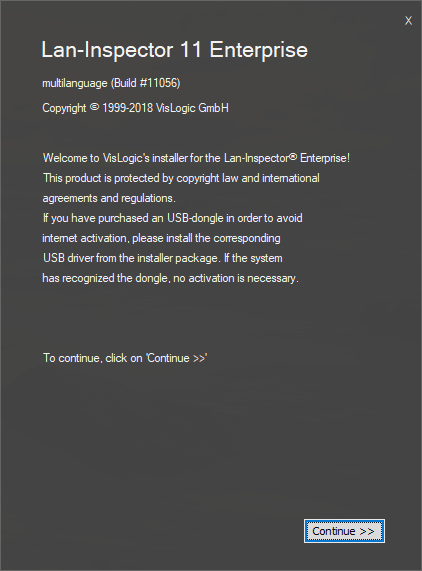
2. View the welcome screen (Continue >>)
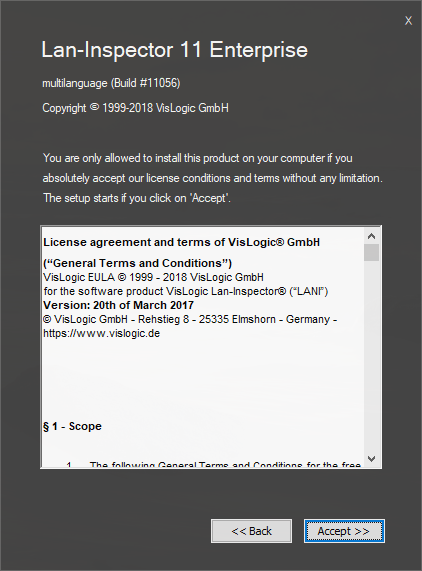
1. Accept the EULA / license agreement (Accept >>)
2. Choose the installation path, considering to leave it like that (Continue >>)
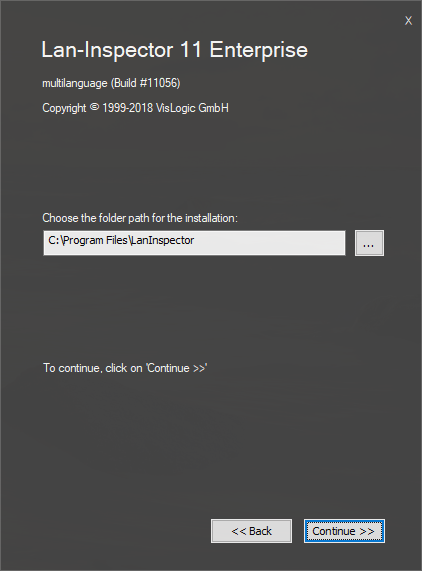
If you like to change the path, you can klick on the browse-“…”-button. Please note that a “LanInspector” will be added to your path by default.
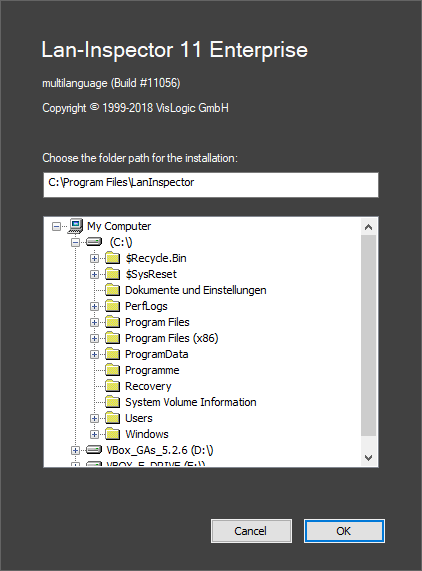
1. Back in the installation folder dialog click ‘Continue >>’ to install.
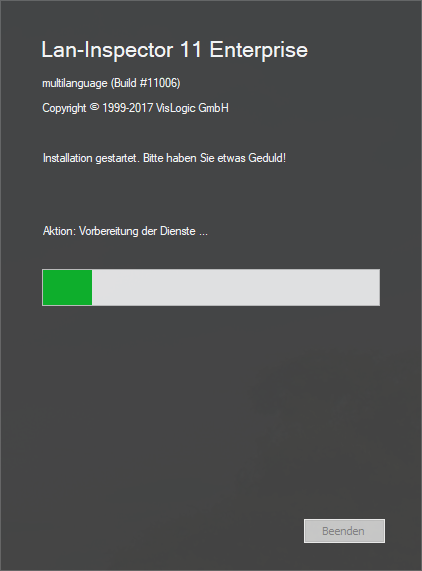
The installation is simple and in effect, all you need to do is click through the dialogs. If you evaluate one of the trial versions, this is it. There won’t be any dialog for the process of internet activation. The activation dialogs will only appear if you install a full version.