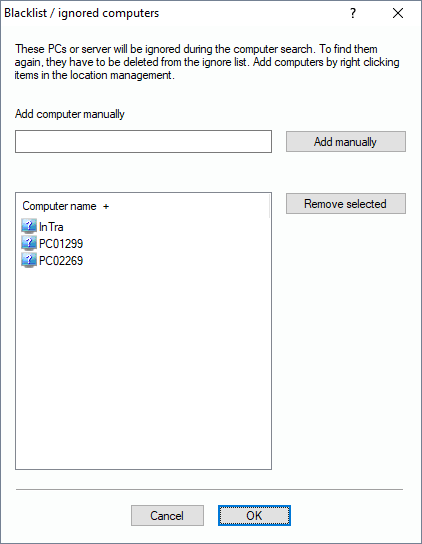
If you want to remove specified PCs or servers completely from views, scans, searches or queries, you can put them into the list of ignored computers. You can add the devices here in the dialog by manually typing in the name and click on “Add manually”.
In the location tree of different views, you can also use the context menu for computers to add them into this list. YOu can rech this dialog from the menu of functions here: „Inventory Management/More/Blacklist-ignored computers“.