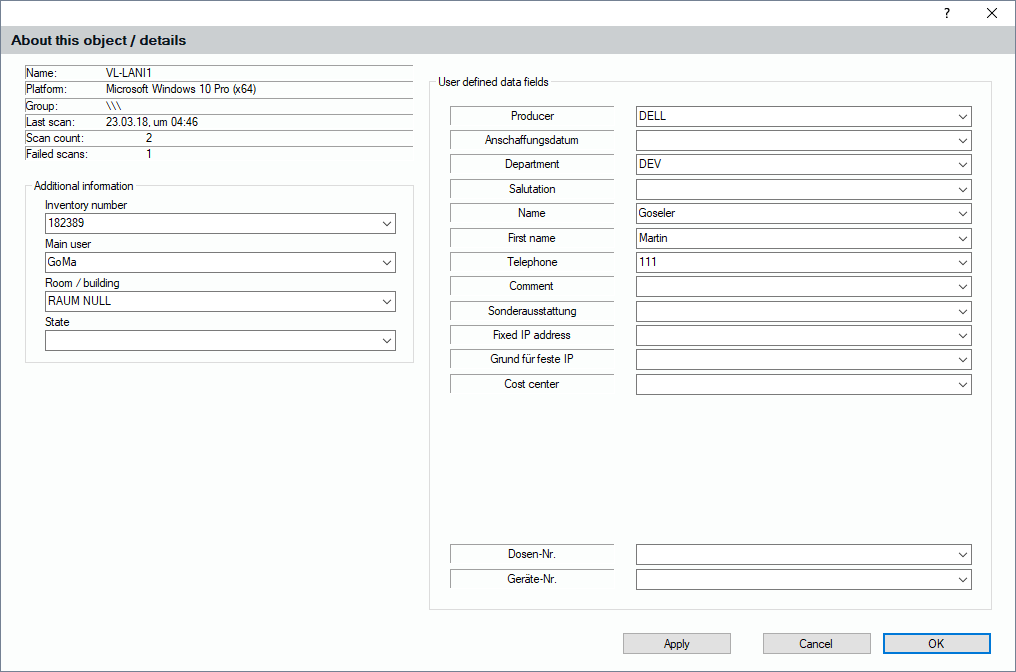
When you have selected an object in the tree and you see the inventory data on the right side, you can also click on the inventory details button. This opens a window that helps add certain information that belongs to the object, such as Inventory Number, Main User, etc. You can also enter data into the 20 user defined data fields every object offers. In the picture the fields 1-20 have user defined names and some of them are hidden.