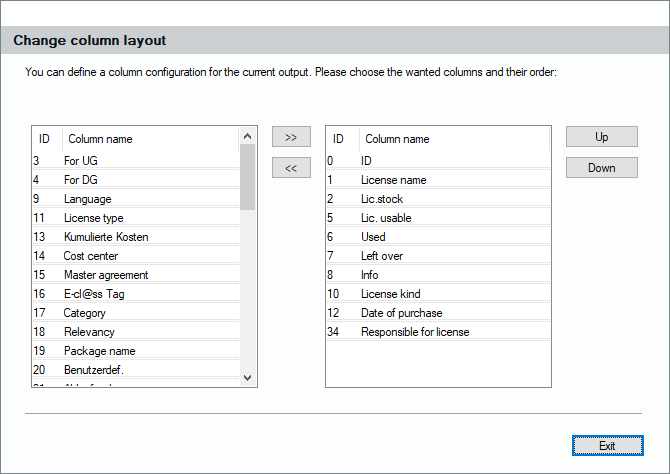
As known from other views, you can also change the column the license balance report will have after its calculation. Click on the corresponding button before you create the license balance. The dialog appears where you can add or remove columns as well as change their order appearance by pushing them up or down. For your final layout, you can select any field of the license records you like.