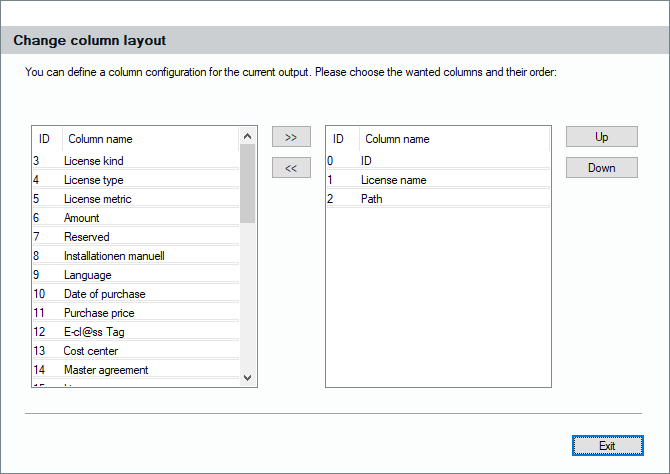
The results of your queries, which is a list of license records, will be displayed on the right side of the license pool. As almost every list in the Lan-Inspector, this list can be pushed to Excel by clicking the Excel button in the top bar. You might want to add additional information from the records to that list by adding columns. Select the columns you want and click them to the right by using “>>”. To remove a column, select it and click on “<<”.