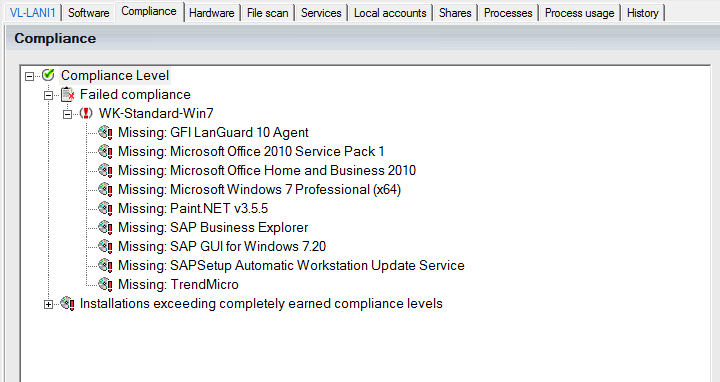
In object detail view, you can see at once if a computer meets the compliance levels you have defined. Once the computer has passed the compliance test, a green check mark appears. Otherwise, a red exclamation mark indicates missing or exceeding installations. The example shows a compliance level named “VisC++6.0” as not meeting the criteria because the required former MSDN package is missing.
If a computer meets all requirements, it looks like this:
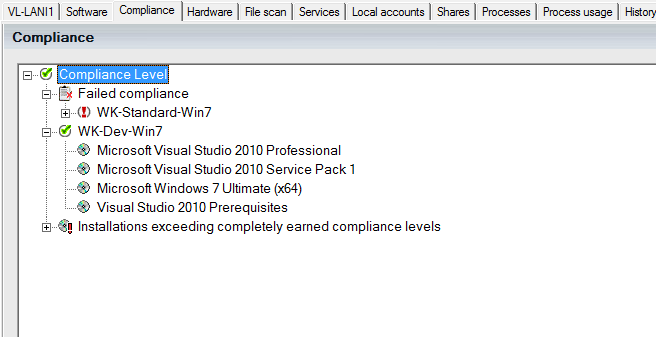
To receive a green check mark in the main branch, the computer needs to pass all compliance tests and no software is allowed to be installed exceeding the wanted list of products. The compliance tab will not be displayed if you haven’t defined any compliance levels.