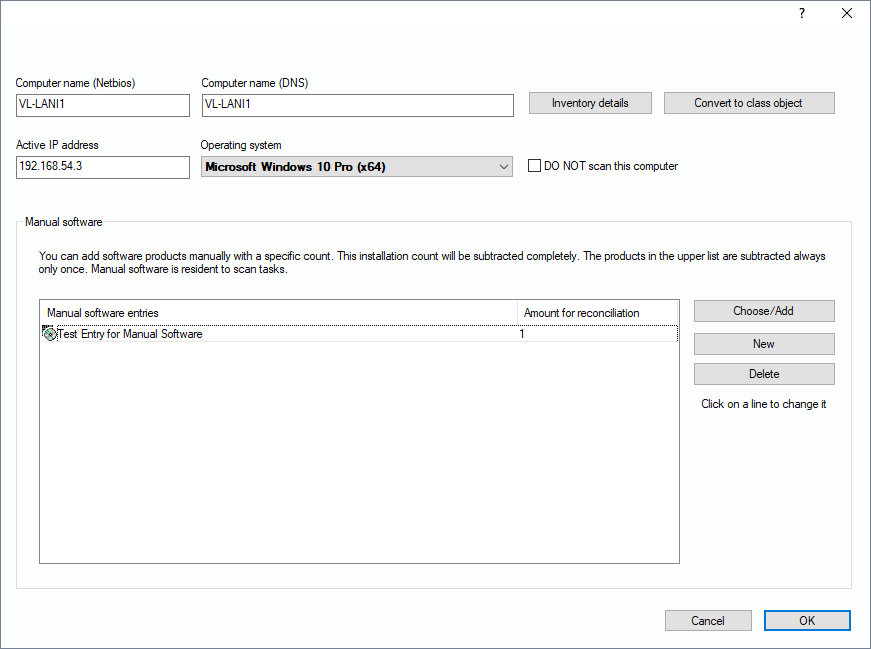
If needed, you can add software products manually to a record set. These entries won’t change during scans. Select the PC you want to edit, open up the context menu with the right mouse button und select “Properties”. In the bottom area of the window you can click on “Add” to create a new line in the list field. You can now click on this new line for a second - as if you wanted to rename a file in the windows explorer. This way you can change the text of the line.
If needed, you can use “Manual Software” to insert a product several times using the same product name. In a license balance, this method would consume the corresponding number of licenses from your license pool.