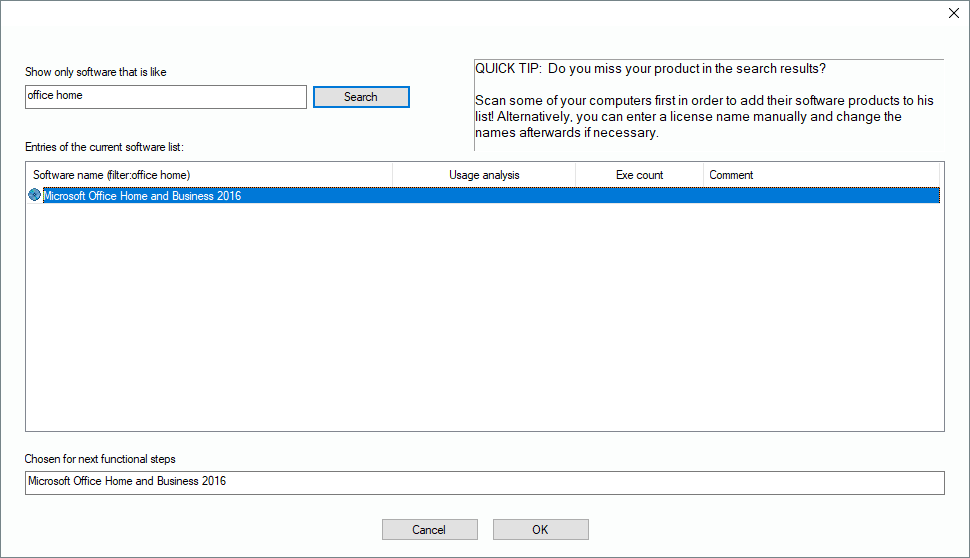
Switch to the license pool, select a location for the new license in the tree and click on “New License”. The new license is added and ready for additional information, starting with its name. To make it easier, the software catalogue of known software appears. Use the filters to find the correct product, select it and click on “OK”.
Please note that you can have more than one license record for the same license, for example you can have 120 Office licenses, split into two license records, one with 20 and one with 100. Just as a reminder, the license pool reflects the financial perspective and contains the purchased license packages. In license balances the number of equal licenses will be summed up, depending on the used license metric.