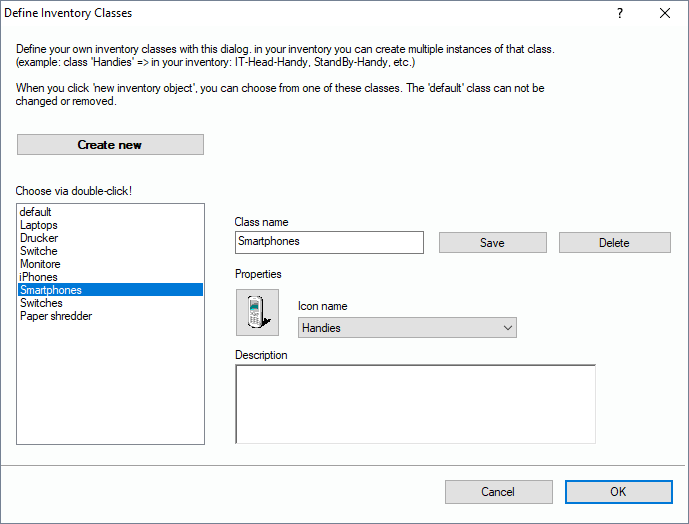
In this dialog, you can add and edit classes (categories) of inventory that can be seen as a shape of object you want to add to your data base. You can edit “Smartphones” as a class and add multiple instances to your data base. On the left side you see the list of existing classes. To edit one, double-click on it. The properties will be displayed to the right. When you have finished your changes, click on the “Save“ button.
If you like to create a new inventory class, just click on “Create new”, but don’t forget to save the changes afterwards. It will then be listed on the left.