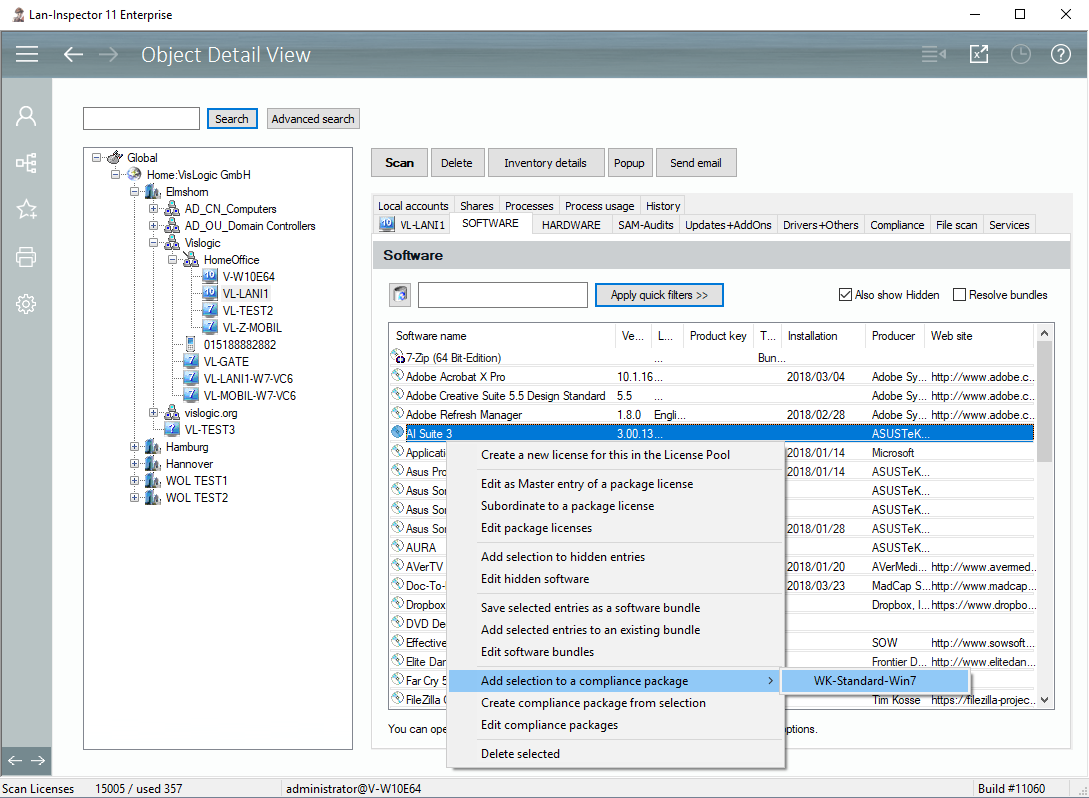
If you have selected a computer object in the „Object Details“, you can switch to the software tab and use the context menu in order to edit compliance levels. Using the right-click context menu here, you can start a new compliance level starting with the selected entry, you can the selected entries to an existing compliance level or you can automatically switch to the compliance editor.