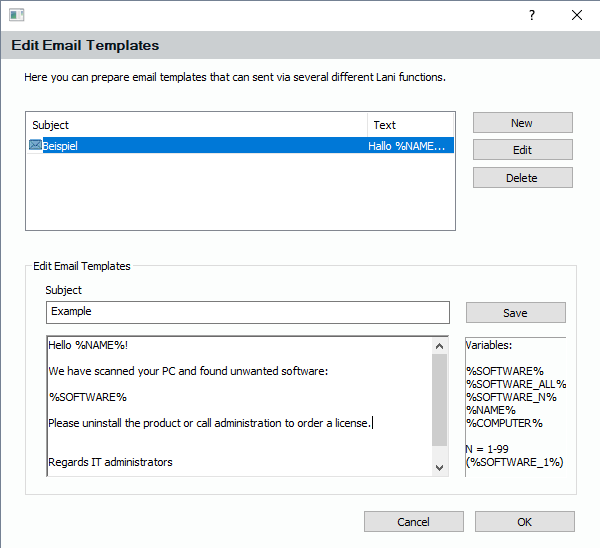
You can deposit as many templates as you like using this dialog. You can either reach the dialog from within the e-mail function of “Object Details” or by clicking “Send E-Mails” in the “Software and Device List” – view.
If you use the batch e-mail function from within the “Software and Device List” – view, the resulting PCs have all one specified software product in common. That is the reason why in the templates of this batch emailer, there is only one variable %SOFTWARE% that contains the specified software product. If you use the templates to send an E-Mail from within “Object Details”, the variables %SOFTWARE_1% , ”%SOFTWARE_2% and so on, are filled with the products you have selected. In the E-Mail function of “Object Details”, you can select multiple software entries, while in “Software and Device List” only one software product is used.