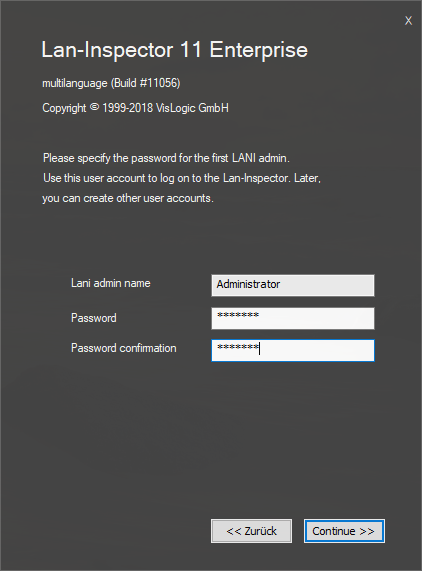
The installation of this edition differs from the Basic and Professional editions only in one point. As the Enterprise one uses a multi-user client/server architecture, you provide a master password for accessing the Lan-inspector framework. The setup function calls it simply “Administrator” which cannot be changed. Choose the password you enter when you want to access the Lan-Inspector Framework. You can also leave it blank.
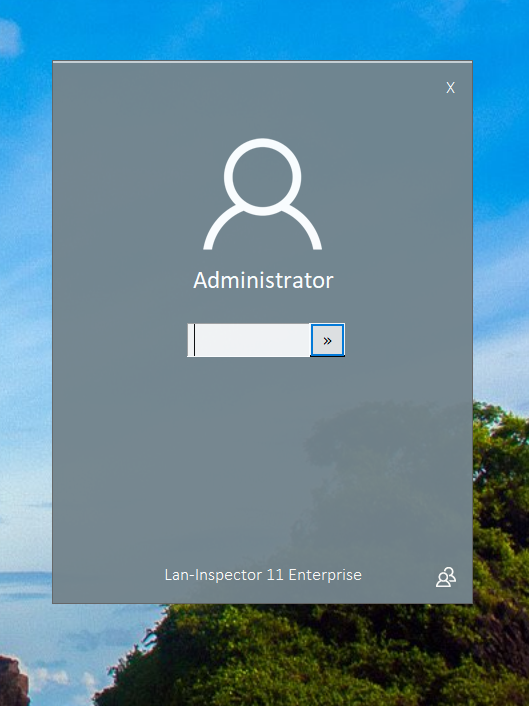
If you start the Lan-Inspector later on, a logon screen will appear. The logon procedure as well as the underlying user and access management system is not included in the Basic Edition or the Professional Edition.
In order to scan the clients and servers of your network, the Enterprise Edition requires a Windows user account that is equipped with sufficient access rights to the domain (ideally domain-admin). This account will be used for the scan-engine service and the backup service. The enterprise setup pops up the following dialog where you can enter the account:
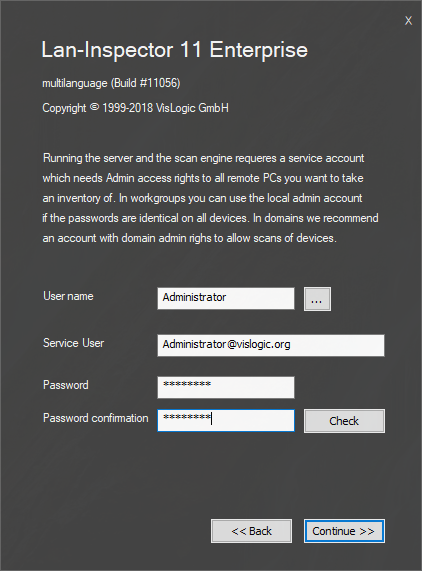
If you want to browse the Active Directory, you can click on the “…”-Button. This will call up a system query dialog. In order to do this, you need to have sufficient access to the Active Directory with the user you are currently logged on to the machine..