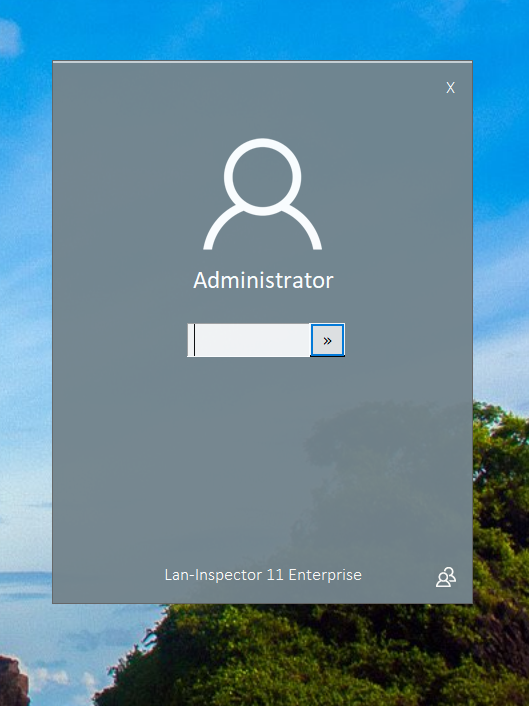
Using the Basic or the Professional Edition skips this logon procedure. The Enterprise Edition has a running service account in the background (LaniScanEngine Service). This service uses a Windows service account that provides the necessary domain admin rights which are necessary for inventory scans of remote PCs. The users that logon to the Lan-Inspector consequently don’t need domain admin rights to perform network scans. Compared to that, scans of the Basic or Professional Edition require that the access rights of the logged-on Windows user are sufficient to scan remote PCs.
The Enterprise Edition includes an effective user rights management to give or take away functions and privileges to users of the Lan-Inspector (see 7.2.6 Lan-Inspector User Accounts).
In order to change the name of the account, please click on the user symbol in the bottom right corner of the dialog. Enter your password and click on the “>>”-button. This opens up the frontend with all functions your user account is privileged to use.