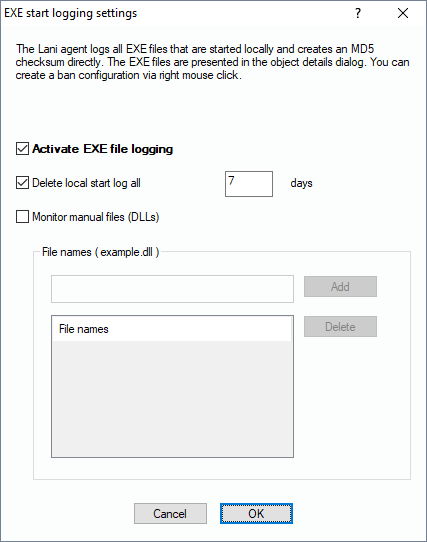
Please note that the Basic Edition doesn’t contain this feature. If you have activated this option, the local agent on the computers creates a log file of all executables the user starts in his access context. The exe files will be collected including their version and their MD5 hash sum).
You can look at the results of the protocol by switching to “Object Detail” view and select the tab “Process usage” where all information will be displayed. Note that the local results have to be collected during a scan.
If needed (not recommended due to performance) you can also monitor if specified DLLs are used, such as Outlook add-ins, etc. Just add them to the list and scan the computers to submit the configuration.