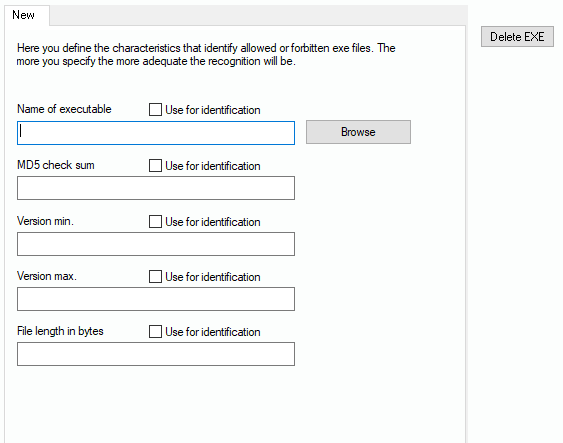
In order to demonstrate which parameters describe an exe file identification, we begin with the button “EXE manually“. After you have clicked the button, a new tab appears with the following fields:
Of course, you can enter the exe characteristics manually, but this is quite tricky and can cause errors. If you click “Browse”, you can directly browse for the exe file you want, using folders of your PC or you can browse Network PCs. If you need to access C$, you can just enter \\pcname\c$ + ENTER in the field below the tree. If you found your exe, the scanner retrieves the contents for the fields automatically. You can also decide in what ways the exe file will be identified. By default “MD5” is activated, because this prevents any name change experiments of the users.
To identify by MD5 has the only disadvantage that the record will only block exactly this exe file. If the producer sends out an update and changes the file, the whole record set will become useless, because the new file will have another MD5 sum.