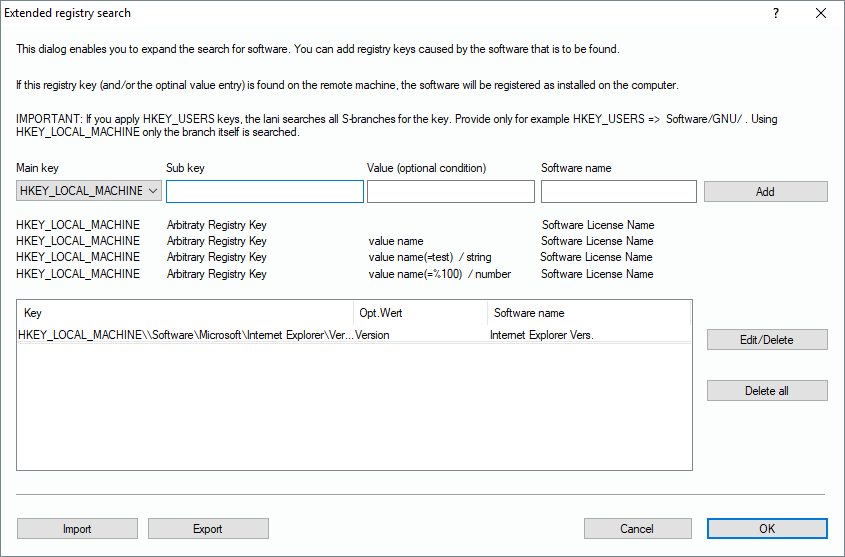
Over the years, it has become a standard that installers register their software in the registry data base of the computer. However, there are products that use exotic methods that don’t use this standard. If the exe files are not known to the system, you can manually add a significant registry key to the scan-engine here, in order to refine the software scan.
Example:
HKEY_LOCAL_MACHINE\SOFTWARE\VisLogic\LANInspector
During a scan the Lan-Inspector searches the remote computer for this registry key. If it is found, a user-defined name of a software product will be added to the scan record set. Compared to the extended file registry search (see below), this is the faster method. You can decide if you just search for a key, or for a specified value which can be a string or a number.
If you search for a value “NAME” that you expect to be “Martin”. You set the optional value condition to “name=Martin”. Name is the name of the entry and “Martin” is its value. In accordance to that you can also provide numbers. They are tagged with “%”. If you search for the content of the entry “counter”, you would enter “counter=%50”. If the condition is fulfilled, the software entry will be added to the record set of the scan.