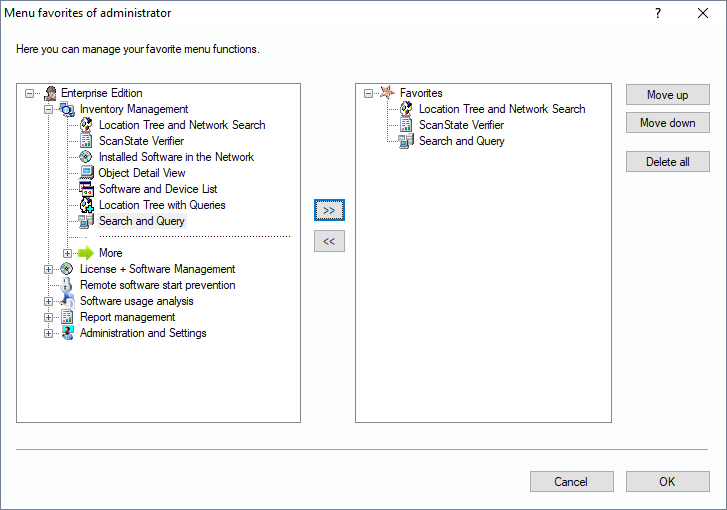
If you click on this menu item, you will find all views and functions that you added before by clicking the star (in the left bar). If you click “Manage favorites” in the menu, the following dialog appears, allowing you to edit your user specific favorites.
On the left side, you see the complete function tree containing all available functions. This can vary, depending on the user’s permissions.