The file scanner can deliver far more than the mere dumping of exe files. You can find all AVIs, MP3s, METs, m4a. files if you need. You are free to define the search mask. Please don’t use wildcards here, just use the fragments of what you search separated by commas. Of course, you can also specify whole file names like “SAPLogon.exe”. The result will be that you get all existing SAPLogon.exes in your network. In Object Detail view, you can browse the file scan results, including the version number of the files.
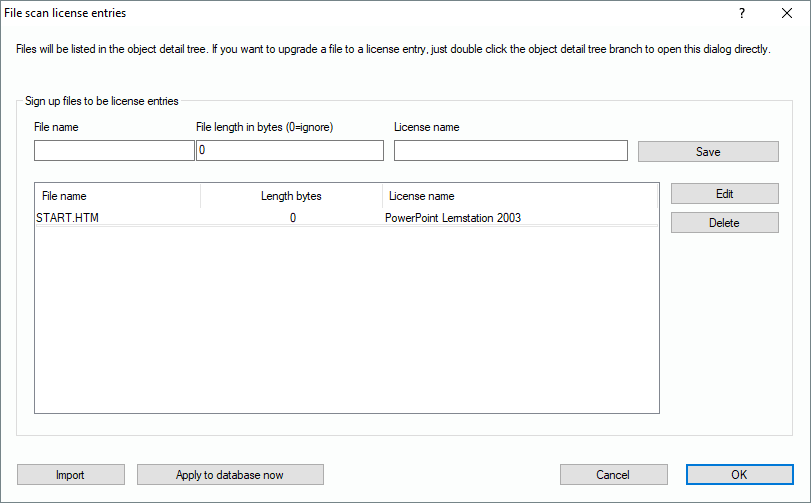
If you want to mark certain files to be significant for a software product not found elsewise, you can use the “file scan license entries”.
You can specify name and length of a file which will cause that a record for license name will be added to the computers record set. If the file is among the file scan results of a remote computer, the specified software name (License name) will be added to the computers’ records.
IMPORTANT: If the hard disc file scanner is active, the “LAST USER” will be empty.
If a user has not approved the hard disc file scan, the function will fail on the corresponding computer.