To hide entries means that you permanently cancel them out of lists and out of calculations. The Lan-Inspector software catalogue contains loads of different product entries in your data base. It contains many things that are really unnecessary to your work. Using this function, you can hide those entrys which means that they are not deleted. You can show them again by activating the option “Show Hidden Entries” in the different views. How to permanently wipe entries is described in the next section.
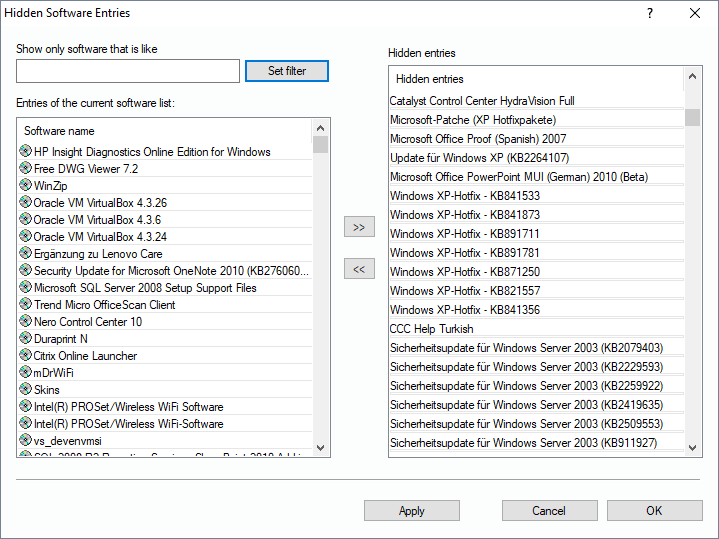
The dialog for hiding software is of very easy use. On the left, you have the catalogue of known software. If you like, you can set a filter to this list.
To add or delete entries, just select your changes and push them to the list of hidden entries via the “>>”-button. You can also select multiple entries in the list of hidden ones and push them out of the list by clicking on “<<”.