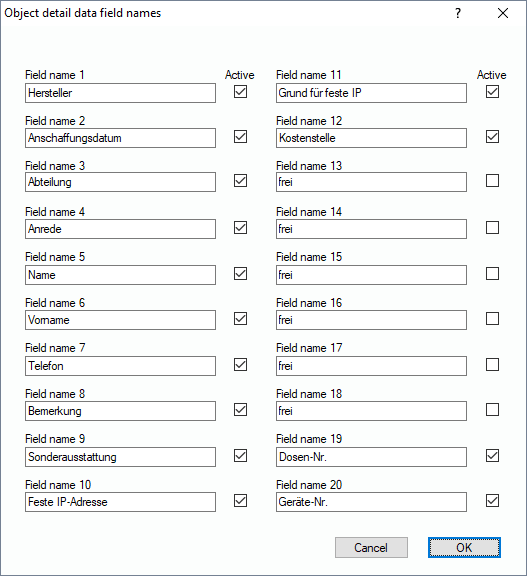
All objects in the Lan-Inspector data base have 20 fixed data fields that you can name arbitrarily. When you select an object in the “Object Detail” view, a button “Inventory Detais” becomes active. The content of the objects will be displayed if you click on that button.
Here, you edit the global names of these 20 data fields. The dialog is very simple. You can enter the wanted name for each field and decide whether the field is hidden or active in the views.
If you configure popup windows where the user has to type in local data on local client PCs, these 20 data field names become quite important, because the names will be displayed in the popup window at the client.