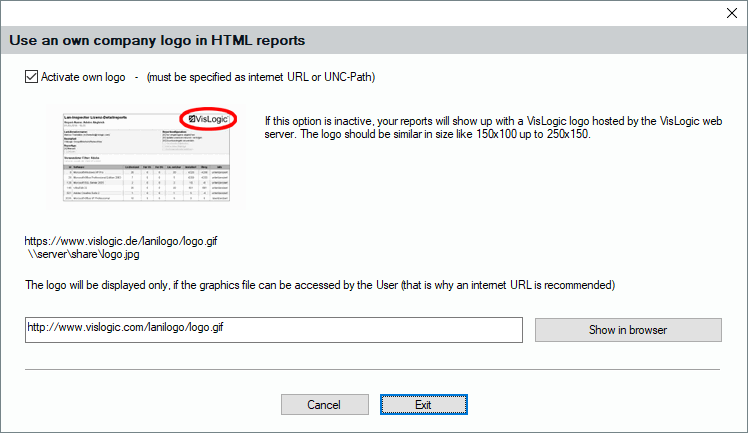
If you click “Own Company Logo“ at the top of the window, you can set your own company logo at the upper right corner of the HTML reports. Just activate the function by enabling the option box. Additionally, you need to provide the path to the logo. If you create reports only from your PC, you can use a normal path in the local file system. For reports that are functional in the network, you should prefer an UNC path. If you like to view the Reports from outside the network, in the internet, you can provide a http path.