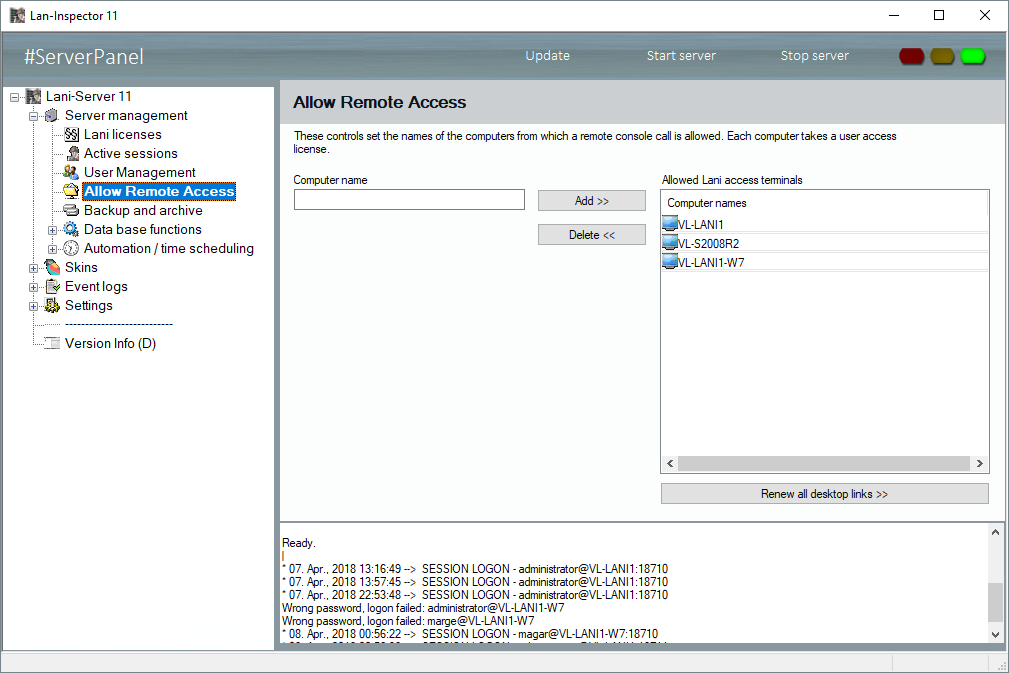
In order to access the Lan-Inspector server from your usual workstation, you have to assign a remote access permission to your workstation on the server. Each persistent access of a workstation consumes a Lan-Inspector access license.
If you have enough access licenses (AL), you can add further workstations to the list of permitted devices. Enter the computer’s name and click on ‘Add >>’.
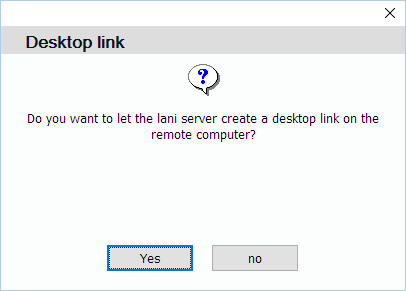
If you like, you can have the server push a Lan-Inspector link to the remote workstation’s desktop. This happens by delegating the scan engine, which is supposed to have domain admin access rights in the Enterprise Edition.
You don’t have to do anything else. You will find the desktop icon there now. You can remotely double-click on the link now without any further installation.
By the way, the link will be deleted if you remove a workstation from the list of permissions.