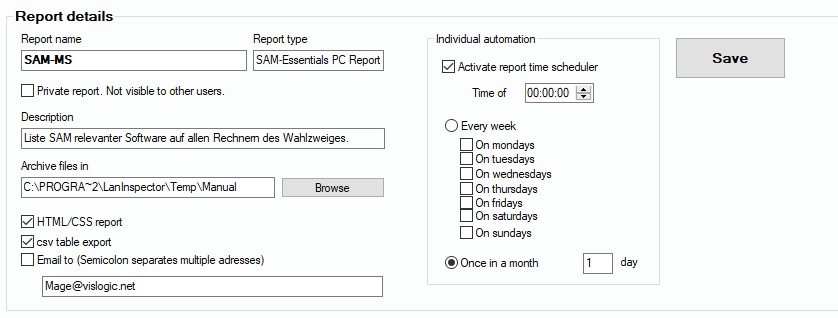
After you have created a report template, you can execute it by clicking only one button. You can send it to Excel or display it in the HTML version. You can activate a scheduler that automates the execution of the report and may send the results via e-mail to one or more user mailboxes.
Important: It is not enough that you activate the option “Activate report time scheduler”. You also have to activate the automation functions. If they are switched off, the Lan-Inspector prompts you with a note to this. Afterwards it asks if you want to activate the automation functionality as well. If you use the professional Edition, the program needs to run for the time the scheduler is supposed to work. In the Enterprise Edition everything is done by some background tasks.