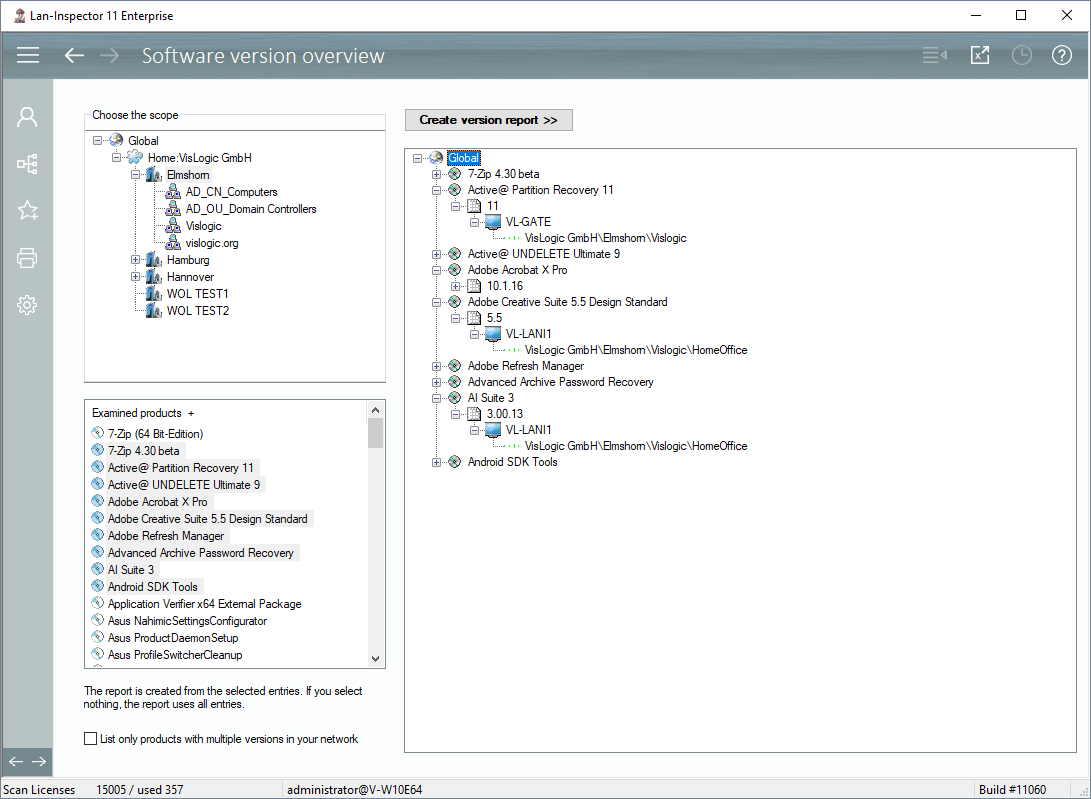
This function helps you resolve installations with perspective on their version. Just select the scope of your query within the tree of locations. Afterwards (multi-)select the products of interest in the list below. Now click on “Create version report >>”.
The resulting tree contains the products you have chosen if they have been found in the data base. Their child branches contain all existing versions of the product. The versions have child items that are corresponding to the computers that have this version installed.
If you are only interested in products that have more than one version in your network, you can activate the option below the list.
Note that you can also click on the “Excel-Button” in the top bar, to have the result as an excel list.