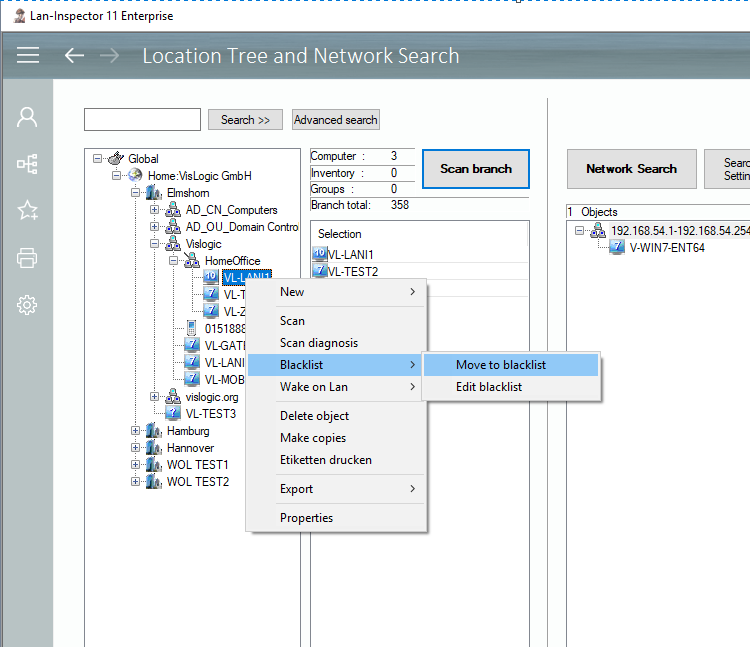
Views in the Inventory menu item usually show the location tree. Using the right mouse button, you can call further functions within the location tree. Depending on the type of branch (Location, Group, or Computer etc.) the matching context menu will appear. That way, you can rename, delete and edit computers or move them to the blacklist of the computer search (see 6.4.6 Blacklist / Ignored Computers), and several actions more. The location tree context menu is the same in all inventory views.