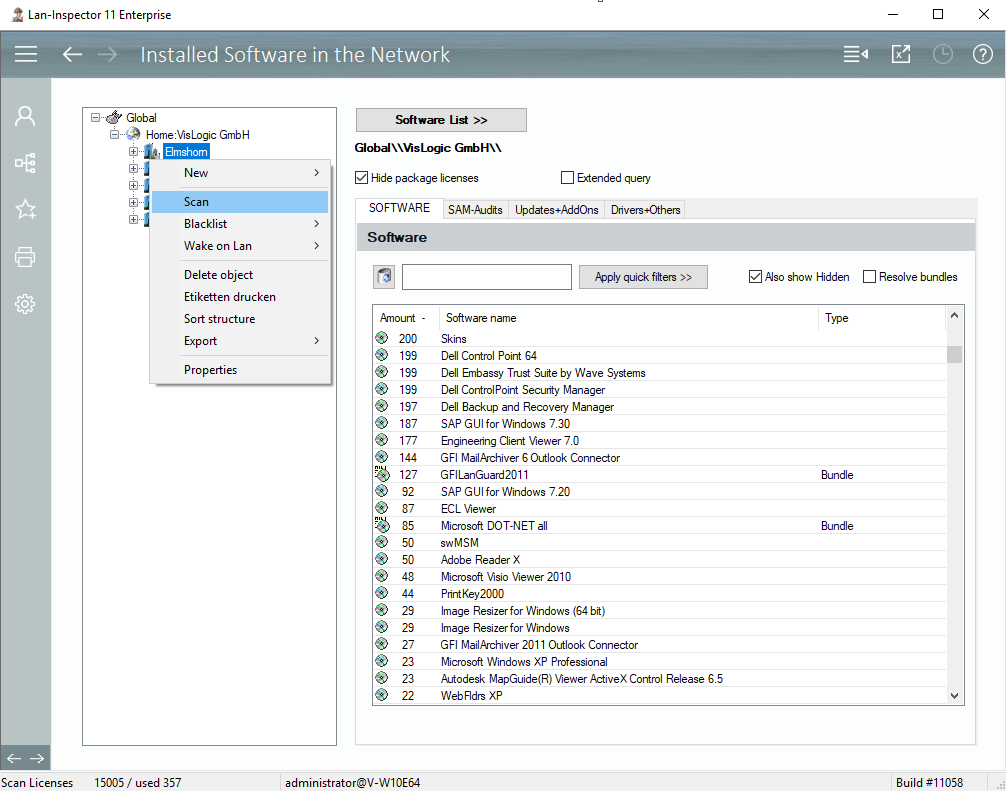
This data base view provides a quick look on the installations and the number of their appearance in the network. On the left side, you see the location tree again. Choose a branch and click on software list to generate the report. You can also use the right mouse button on the branches to display the context menu described before.
The software / installation list contains several tabs you might already have seen in the “Object Details”, see 6.3.6 Object Detail View for Computer Objects. The software is sorted into Software, SAM-Audits, Updates and Addons, drivers + others.