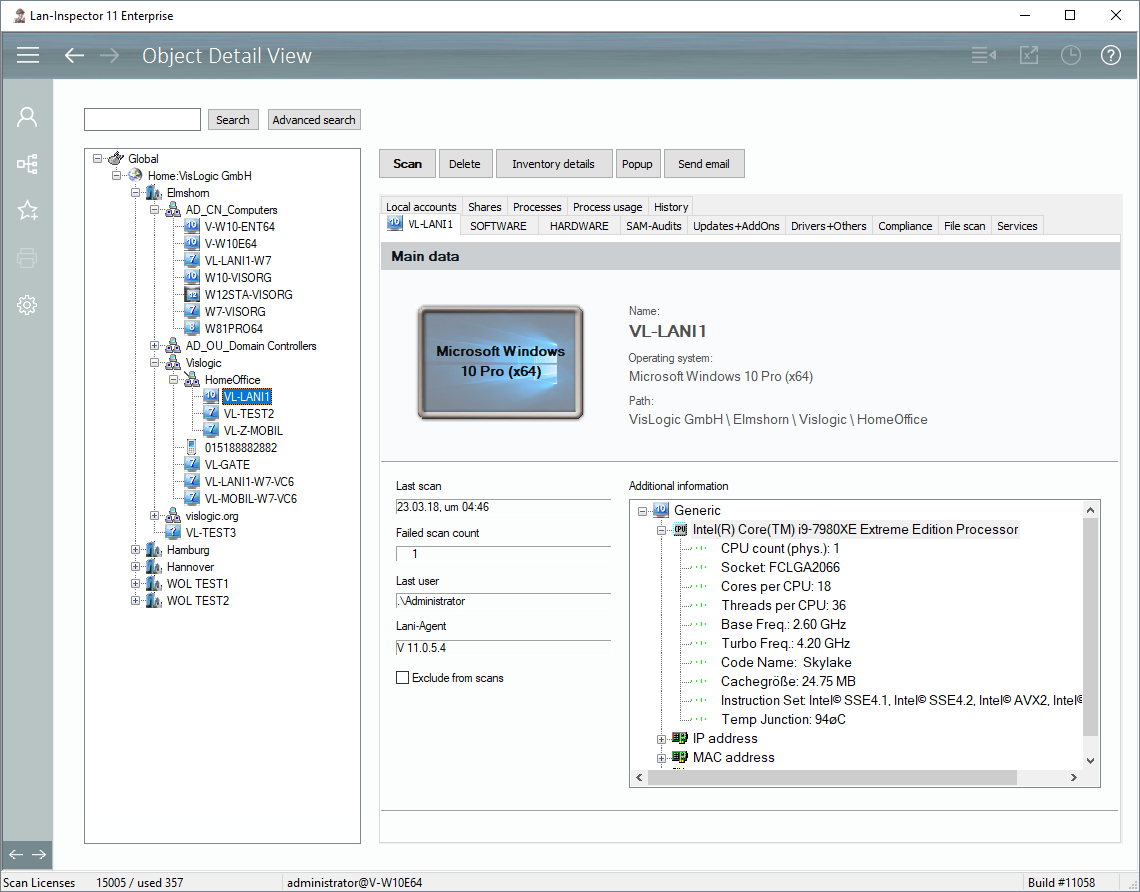
Selecting a computer object in the location tree on the left enables the following options:
a) Scan the computer by clicking ”Scan“,
b) delete the computer by clicking “Delete”,
c) send a popup dialog for data entry (see also 6.4.9),
d) send an e-mail to the last user of the PC
e) query the inventory details and open up the corresponding dialog.
On the right side, everything in the record will appear in a structured manner.