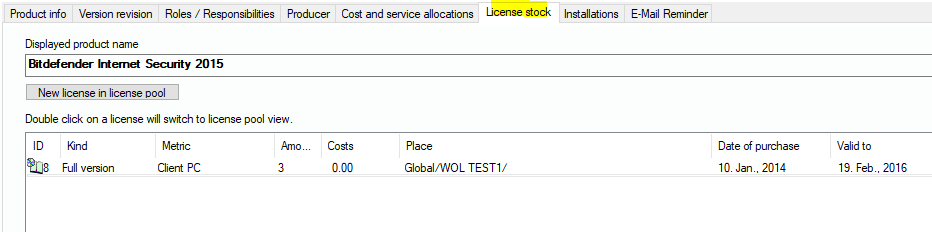
When you have added a software to the management entries, you can use the management GUI to have a look at the associated license entries. Select the license stock tab and the list will contain all license entries of the license pool that use the software’s name. If you like, you can click on “New license in pool”. This will use the software’s name and create a new entry in the license pool where you can then modify the license information, (see also 6.5.1 License Pool / License Entry | „Menu: License+Software Management/License Pool“).
You can also double-click on a license entry of the list in order to switch to the license pool and jump to the correct license record.