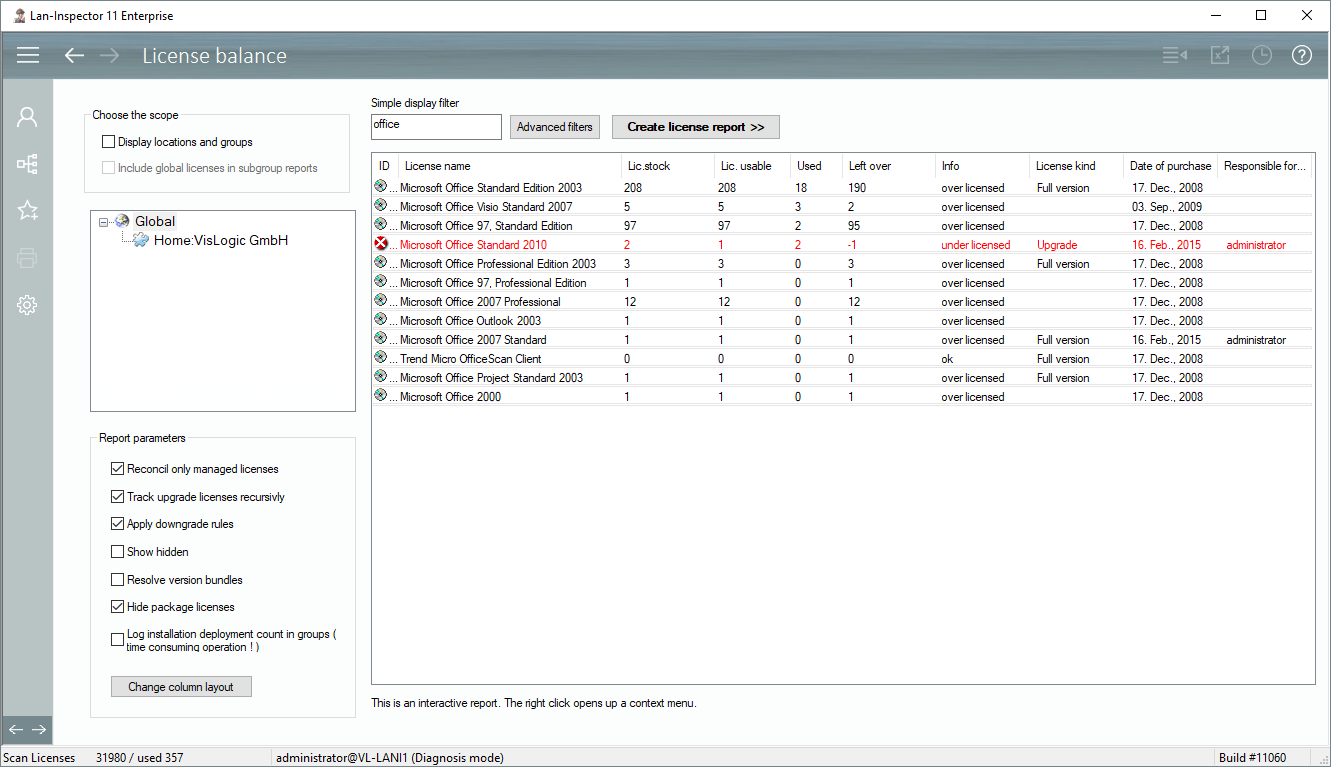
After you have scanned your network and found out about the as-is-state, and after you have entered licenses, you can create license balances. Follow the menu to “License + Software Management/License Balance“.
In the left corner you will recognize the tree of locations. Choose the scope and click on “Create license report >>”. If you like, you can use a filter to focus on special licenses like “office”.
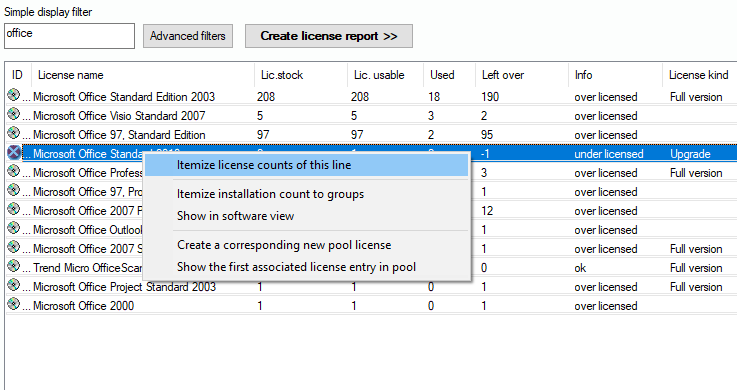
The list below will show the results of the calculation. The report you are seeing is interactive. You can use the right mouse button to open further options.: