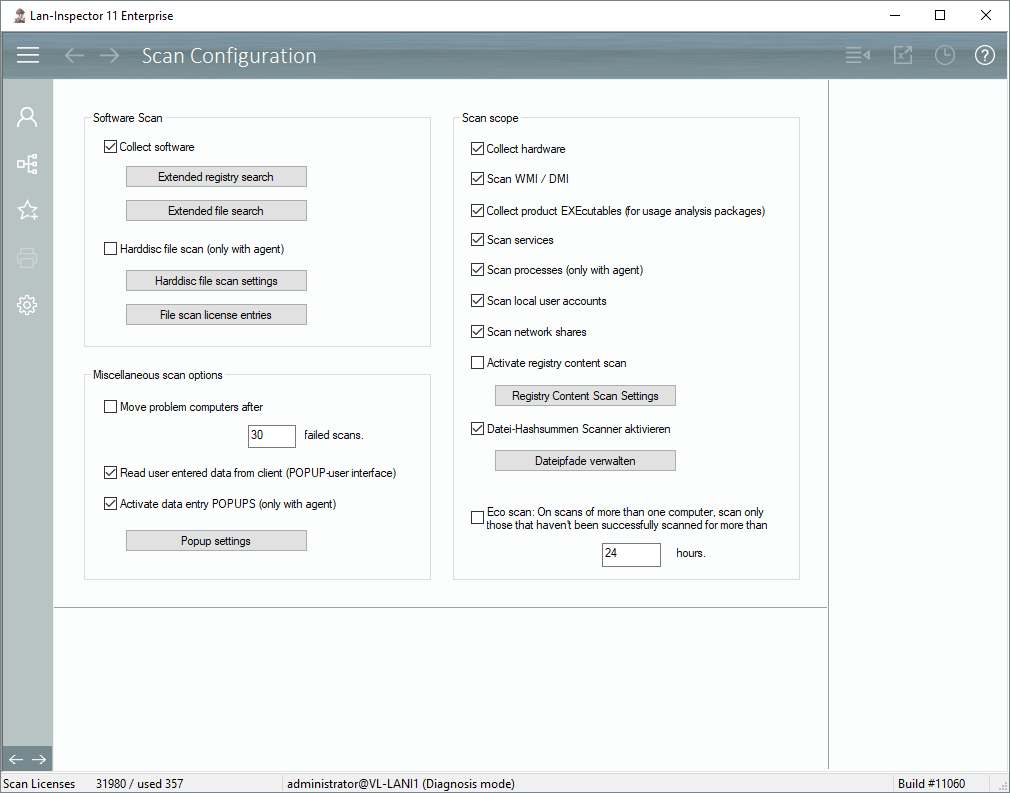
You can specify all actions that will take place during a manual scan here. You can provide further details to the different functions like setting path descriptions, registry keys or specifications for popup windows, etc. These are settings that are valid globally. If you set the functions to “active” here, they will take place during manual scans.
If you use the automation features / the time scheduler, the further specifications are valid as well. To activate the functions themselves for time scheduling, you need to configure it at different position, see 6.9.5 Automation / Time Scheduling | ”Administration and Settings/Automation Time Scheduling“.
Most points are self-explanatory. The GUI contains several buttons that call dialogs where you can do further specifications for the different functions.
Important: The functions “Read user entered data from client/POPUP“ and “Registry content scan“ cannot be used together. Both functions write into the 20 object data fields.